iphone xr bottom microphone location
For iPhone 88 Plus iPhone X iPhone XR iPhone XS. When brushing the speaker or microphone scrub the debris to the edge allowing you to then flick it out.
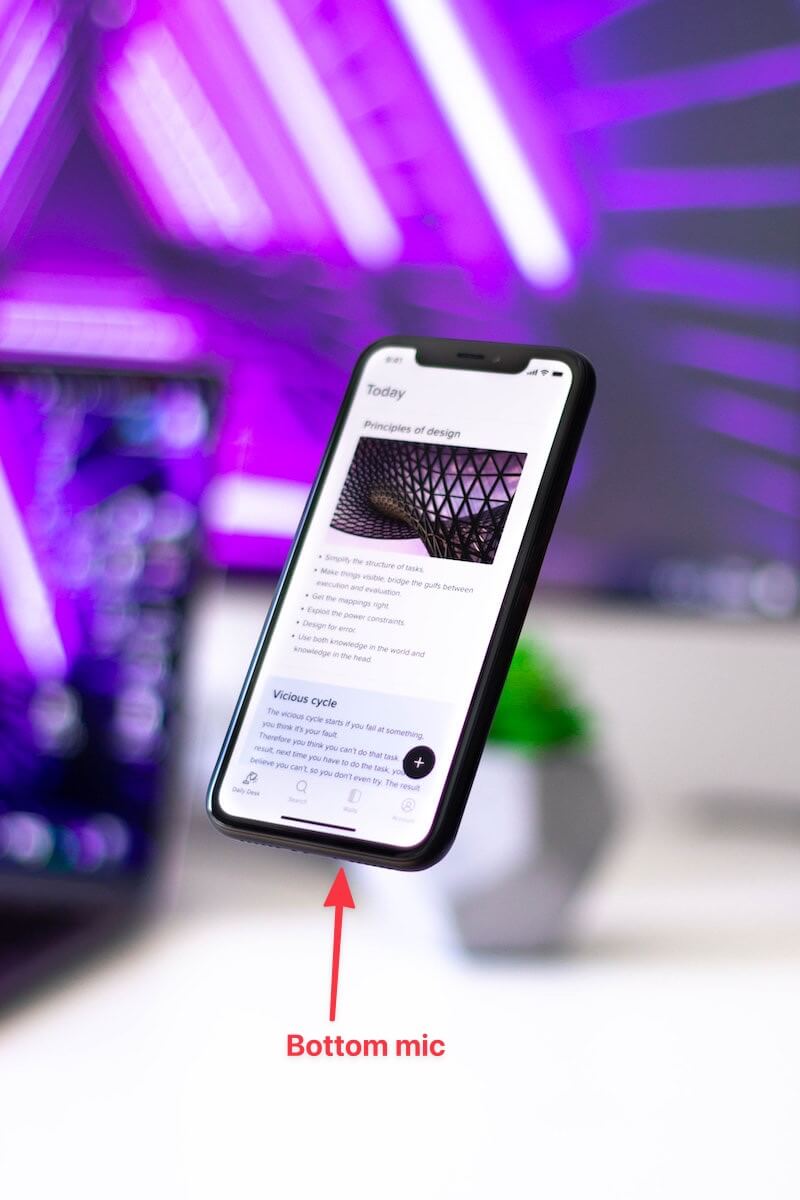
Where Is The Microphone On Iphone Xr Located Descriptive Audio
From there start the app again by selecting the icon on the Home.

. Wi-Fi iPhone is connected to the internet over a Wi-Fi network. Up to 6 cash back Unlock and turn device on or off. Step 1 Remove the pentalobe screws.
Models A1984 A2105 A2106 A2108. This happens frequently to me in the Google Hangouts app. Close the app by double-tapping on the Home button then swiping the app upward off the screen.
It does this with any covers off the phone. They are located at the top bottom. In some instances I have seen the microphone go missing or become grayed out within specific apps.
Wi-Fi call iPhone is set up for Wi-Fi calling. Press record and speak into the mic. However numerous teardowns have clearly identified this microphones function.
To turn on the device press and hold the Side button until the Apple Logo appears. Remove the cover and test the quality of recorded voice using the Voice Memos app on the iOS device. Open the Settings on your iPhone X.
IPhone SE 2020 iPhone XR iPod touch Mac mini Mac Pro MacBook Air MacBook Pro 13 MacBook Pro 16. When you play back the memo you should hear your voice clearly. See Connect iPhone to a Wi-Fi network.
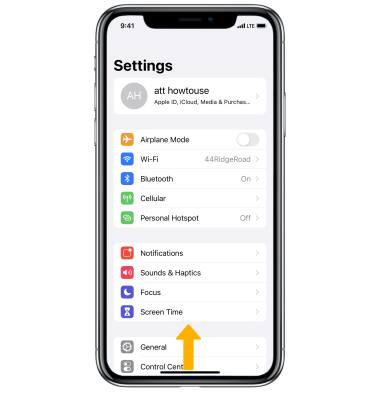
An icon of a hand is next to this menu option in the third grouping of menu options. From Apples official specs the bottom side holds two grills in addition to the Lightning port. Personal Hotspot iPhone is connected to the internet through the Personal Hotspot of another device.
Before you begin discharge your iPhone battery below 25. Might be your iPhone Case is covering up the entire microphone hole. If people cant hear you on phone or FaceTime calls.
Go to General settings. A lot of folks just dont know their iPhones microphone location. Where is the microphone on the iPhone 12 ProiPhone 12 Pro Max.
And backside of the phone. First check your iPhones Cover. Scrape the dirt out with a clean dry toothbrush.
Among all the iPhone 12 models the. If youre having recording issues when shooting video on. The microphone for the phone only breaks up sometimes or I sound muffled.
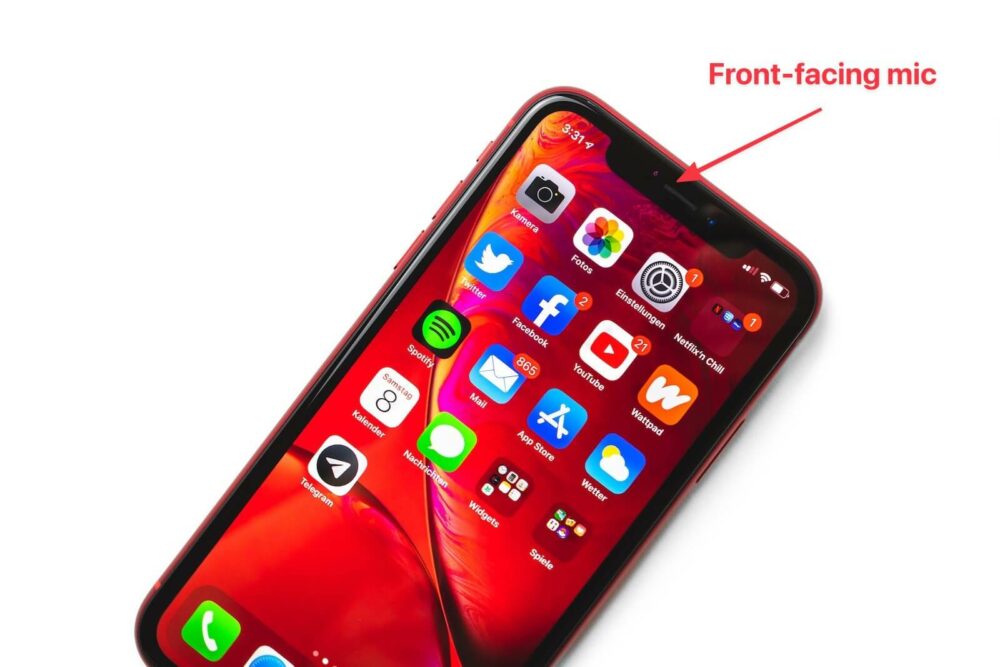
There are two on the front and one in the back between your camera lensesdepending on your iPhone model the exact location may slightly vary. So first its important to know where Apple places those iPhone 8 or iPhone X Series mics. Power off your iPhone before beginning disassembly.
Remove the cover and test the quality of the recorded voice using the Voice Memos app on the iOS device. Remove any screen protectors films or cases from your iPhone. Clear any debris from the openings of your iPhone.
Fix Microphone Problems on iPhone XR 4 Ways Solve iPhone Microphone Not Working. This microphone is used for phone calls. This microphone is used for recording videos on the rear camera and for noise cancellation when youre on a call.
Solution 3 Force restart or hard. Due to its position its primary role is to record the sound as you shoot videos combining that audio source with other microphones. We also boast an active community focused on purchasing decisions and technical aspects of the iPhone iPod iPad and Mac platforms.
Ive tried it with voice memos recording with the back and front camera and. There are three microphones in an iPhone 8. Fix 3 Restart App.
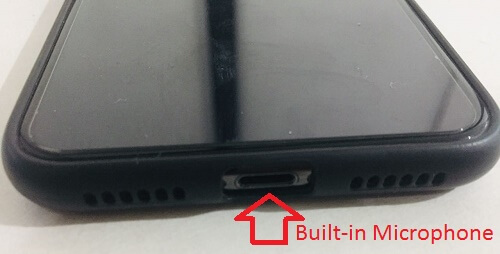
Its located at the bottom of your iPhone on the left side of your lightning port. A charged lithium-ion battery can catch fire andor explode if accidentally punctured. Disable Noise Cancellation on Your iPhone X8.
Settings app on iPhone General. First check your iPhones Cover. IPhone also displays a carrier name next to the icon.
They are located at the top bottom. You can test the primary microphone located on the bottom of your phone by opening Voice Memos. It is worse on speaker phone or if I talk thru the bottom of the phone.
Available as GSM or CDMA eSIM nano-SIM or dual-SIM 64 128 or 256 GB Black White Blue Yellow Coral or Red. The left grill only holds a built-in microphone. I have had my iPhone XR for a few months.
An alarm is set. Open the Voice Memos app. This suggests that only the right grill has speakers and that there are two microphones one in each grill.
Change LTE Settings on Your iPhone X8 to Fix Mic Issues. The back-facing microphone is part of your iPhone 13s camera system. And backside of the phone.
Dried-on dirt may take quite a bit of work to loosen up and break free but keep. Otherwise the buttons control the volume for the ringer alerts and other sound effects. Tap the Record button speak at the bottom of your phone then stop the recording.
These 4 tips you should try to fix iPhone XR microphone not working. Since the last time I did it the bottom microphone stopped working. Among all the iPhone 12 models the iPhone 12 Pro12Pro Max is one of the most popular choices among Apple fans and it is compact with a screen size of 61 and 67 respectively but that doesnt make much of a difference.
First check the cover of your iPhone. See Make calls using Wi-Fi on iPhone. Remove any CoversCases from Your iPhone.
Some people confuse the speaker grills with the microphone but the speaker is located on. Bottom Microphone Near Edge and Bottom Speaker. Apple shows that the right grill holds built-in stereo speakers and a built-in microphone.
Your iPhone case may be covering the entire microphone hole. Reset All the Settings. Start date Dec 11 2006.
When youre on the phone or listening to songs movies or other media on iPhone you can use the buttons on the side of your device to adjust the audio volume. I reset the phone as instructed and it seemed to work for a short time. To turn the device off simultaneously press and hold the Side button and either Volume button until the slider appears select and drag the power icon to the right.
Press the Side button to lock or unlock iPhones screen. Remove the two 67 mm-long pentalobe screws at the bottom edge of the iPhone. Cutting off a corner of it to unblock the microphone hole did the.
Sort by reaction score. Settings app and iPhone General Restart Reset all settings. If youre facing any such issues with the mic on your iPhone X or 8 you might want to follow the below methods to solve them.
Released October 26 2018. Microphone Always Waked up and Notify your iPhone at the Entry level. This microphone is the most obvious as its located on the back of the iPhone XR next to the camera just above the flash.
Solution 2 Reset all settings. Its represented by a very small hole in the bottom-right corner. The microphones on these iPhone X Series are built-in to the front inside of the top notch the rear near the back cameras and the bottom near the edge of the device.
Where Is The Microphone On Iphone Xr Iphone Xs Max Mic Location Ios 15 5 Where Is The Microphone On Iphone Xr Iphone Xs Max Mic.

New Refurbished Iphone Xr Sim Free Deals Buy At Mozillion
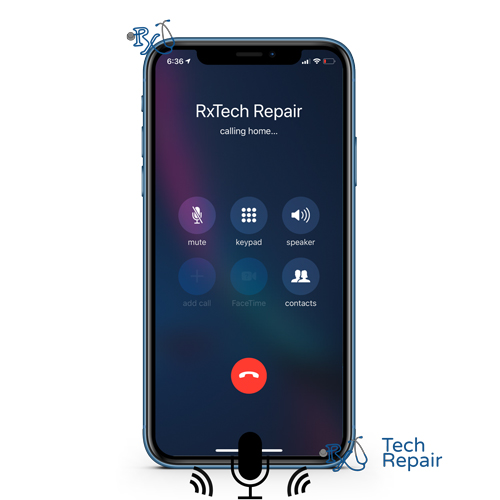
Iphone Xr Microphone Repair

Where Is Mic On Iphone Xr Ebugg I Com
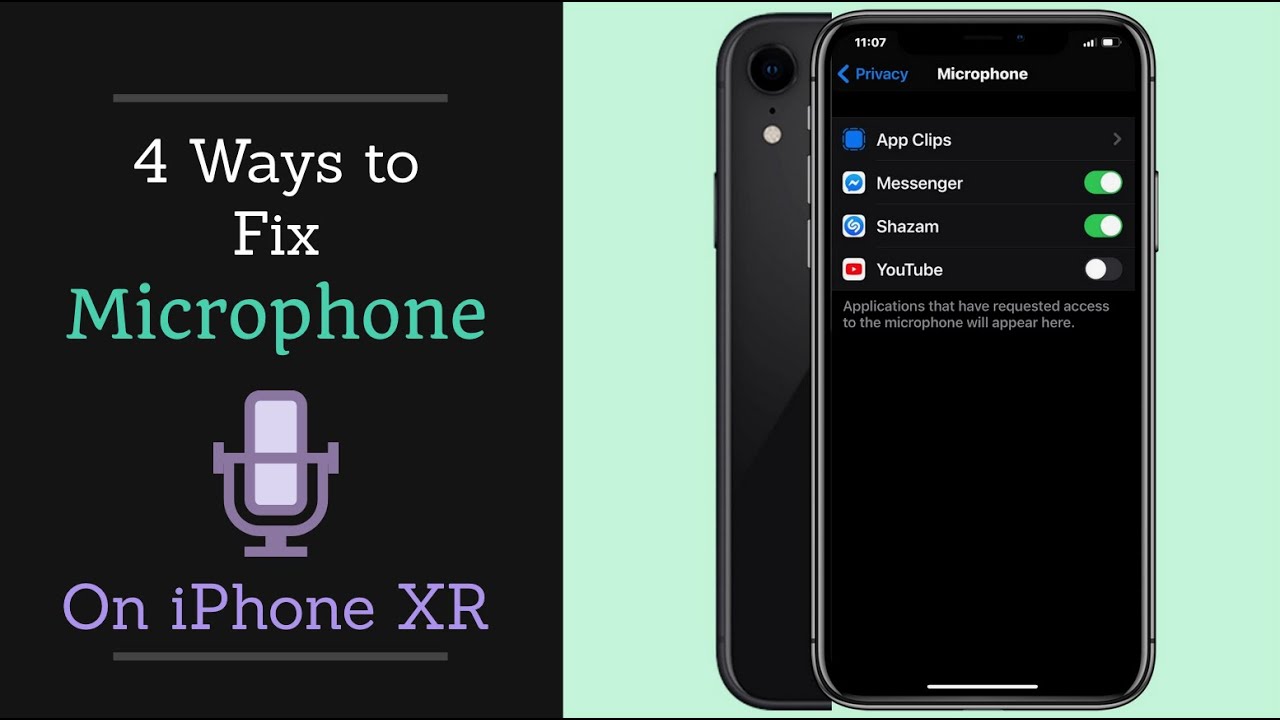
Fix Microphone Problems On Iphone Xr 4 Ways Solve Iphone Microphone Not Working Youtube

Where Is Mic On Iphone Xr Ebugg I Com
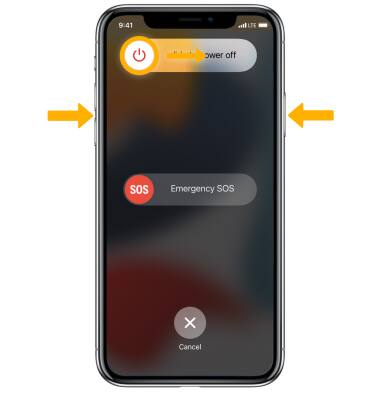
Apple Iphone Xr Device Layout At T
Where Is Mic On Iphone Xr Ebugg I Com

Where Is Mic On Iphone Xr Ebugg I Com

Where Is The Microphone On Iphone Xr Iphone Xs Max Mic Location Ios 15 5
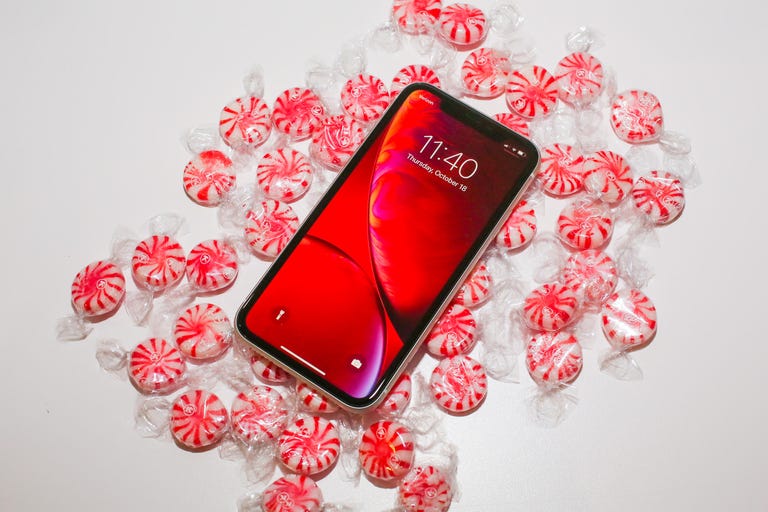
Iphone Xr Review The Best Iphone Value In Years Cnet

Where Is Mic On Iphone Xr Ebugg I Com
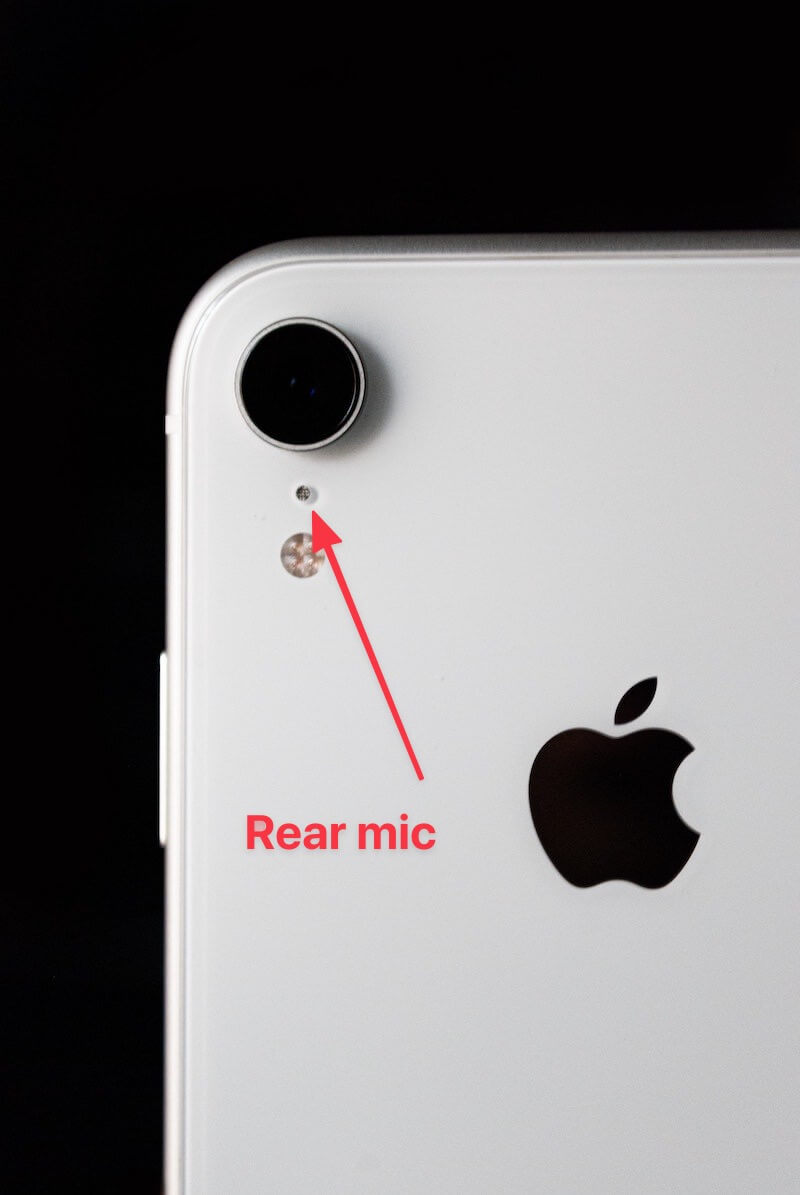
Where Is The Microphone On Iphone Xr Located Descriptive Audio
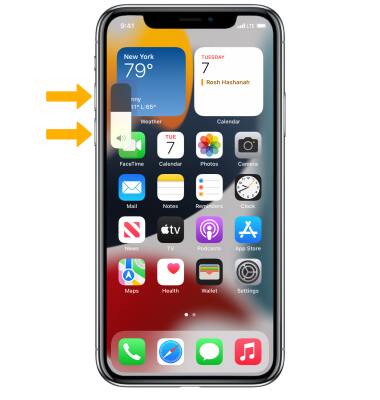
Apple Iphone Xr Device Layout At T
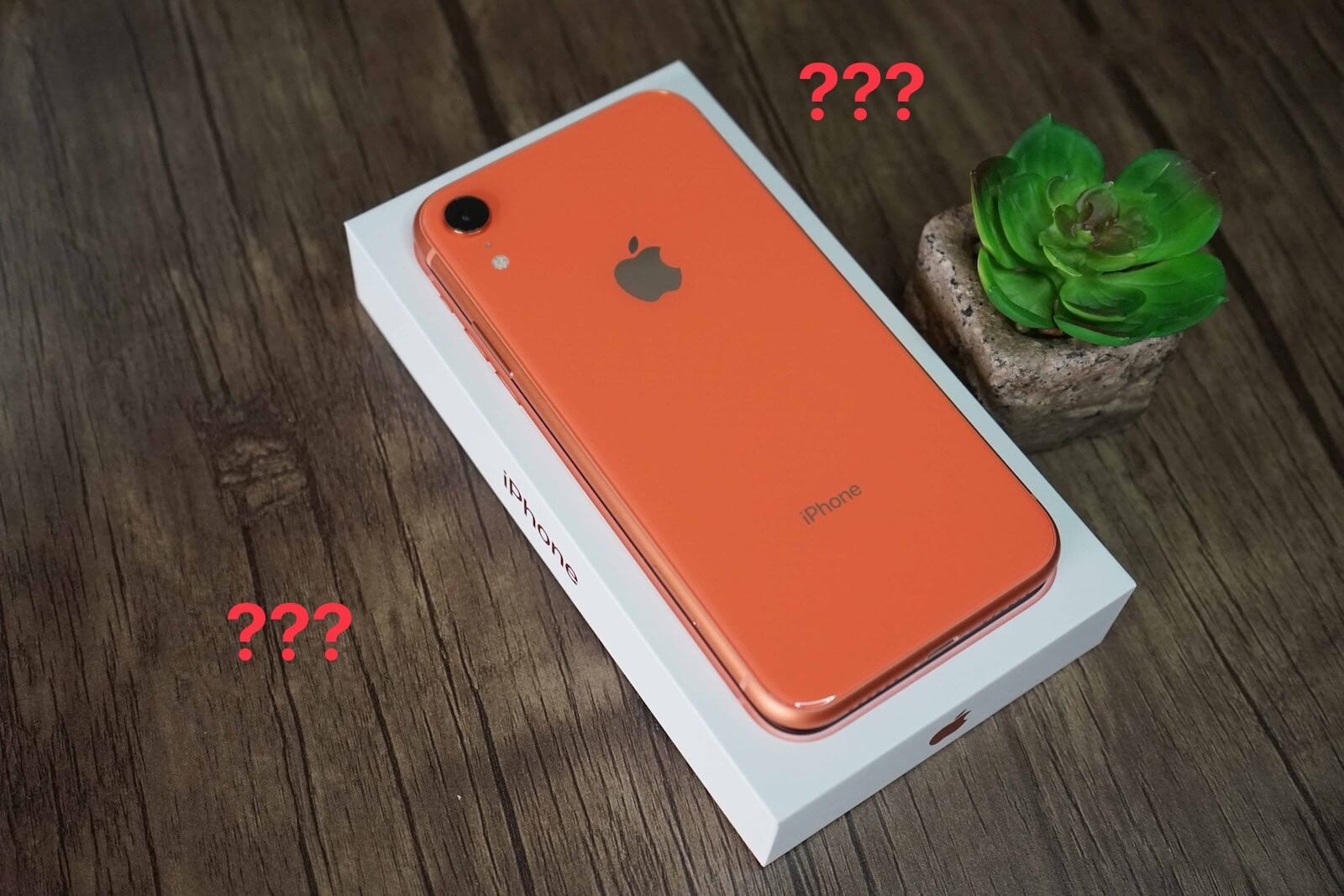
Where Is The Microphone On Iphone Xr Located Descriptive Audio

Iphone Xr Pentalobe Screws Replacement Ifixit Repair Guide
Where Is The Microphone On Iphone Xr Iphone Xs Max Mic Location Ios 15 5
Where Is The Microphone On Iphone Xr Located Descriptive Audio
Iphone Xr Speaker Inop Apple Community
Apple Iphone Xr Device Layout At T